
Capture from anywhere
- Any app on your computer. Press Alt+Shift+U (⌥⇧U on a Mac), type, and send. Drop in a file or a link, too.
- Your browser. The Quick Thoughts extension for Chrome, Edge, Firefox and Safari adds the page you’re on to your note.
- Your phone. Use a home-screen widget, or share to Quick Thoughts from any app.
- Email. Forward a message to your private Quick Thoughts address, attachments and all.
One inbox, on every device
Everything you capture lands in the same inbox on your computer, your phone and the web. It even works offline: your notes are sent as soon as you’re back online.
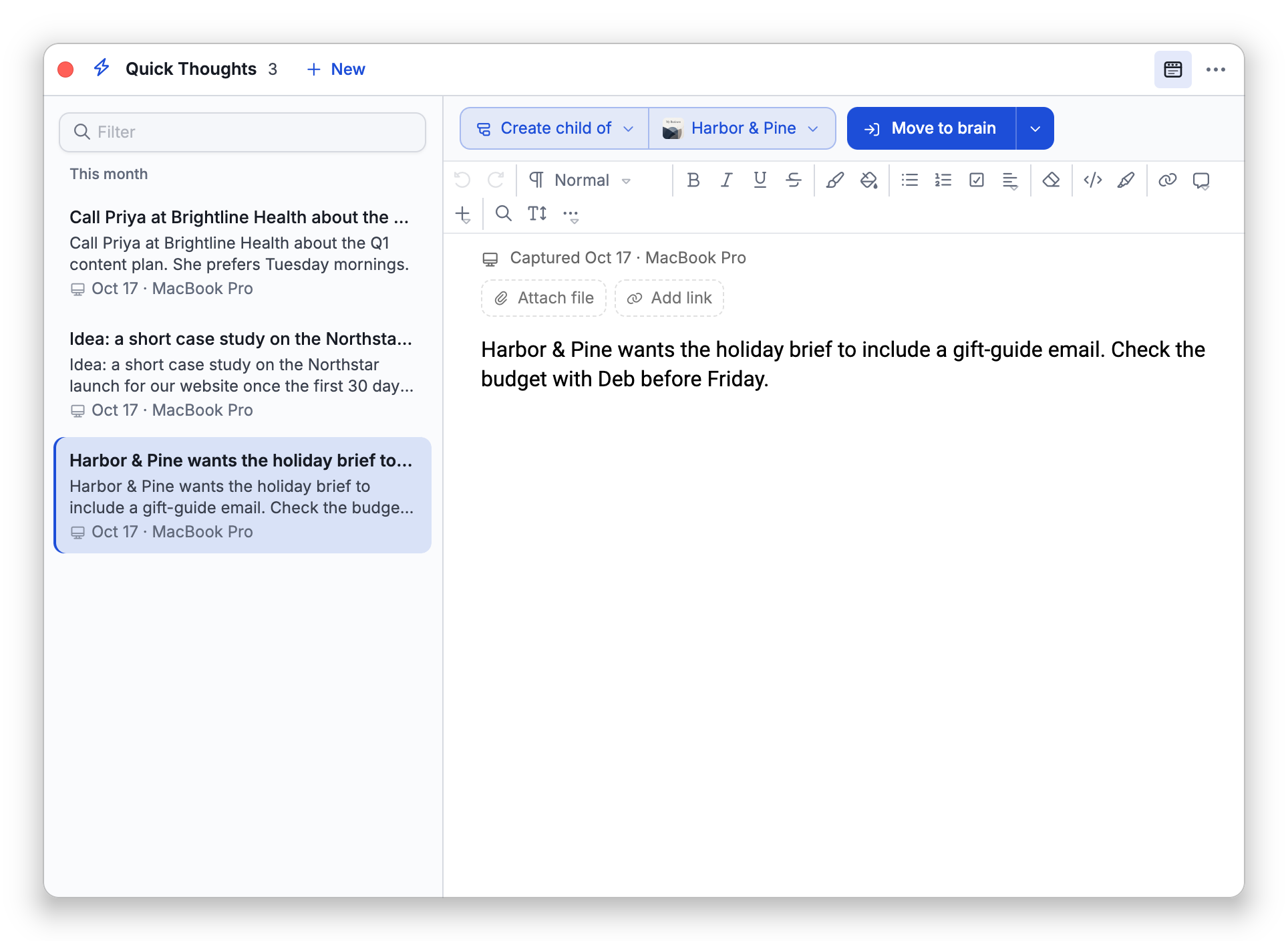
File it in one click
When you’re ready, file each note into any of your brains: as a new thought, or added to a thought’s notes, with its links and files. Or ask Cerebro to find a note, or file it for you.
Quick Thoughts is included in every TheBrain plan, in TheBrain 15 for Windows, Mac, Linux, the web, iPhone, iPad and Android.