
Callouts
Set the important parts apart: a tip, a warning, a question that’s still open. There are 13 kinds, each with its own color and icon, and you can restyle any of them in your theme.



Diagrams
Describe a diagram in a few lines of text, or start from one of 18 templates, and TheBrain draws it. The drawing updates as you type, and its colors follow your theme.
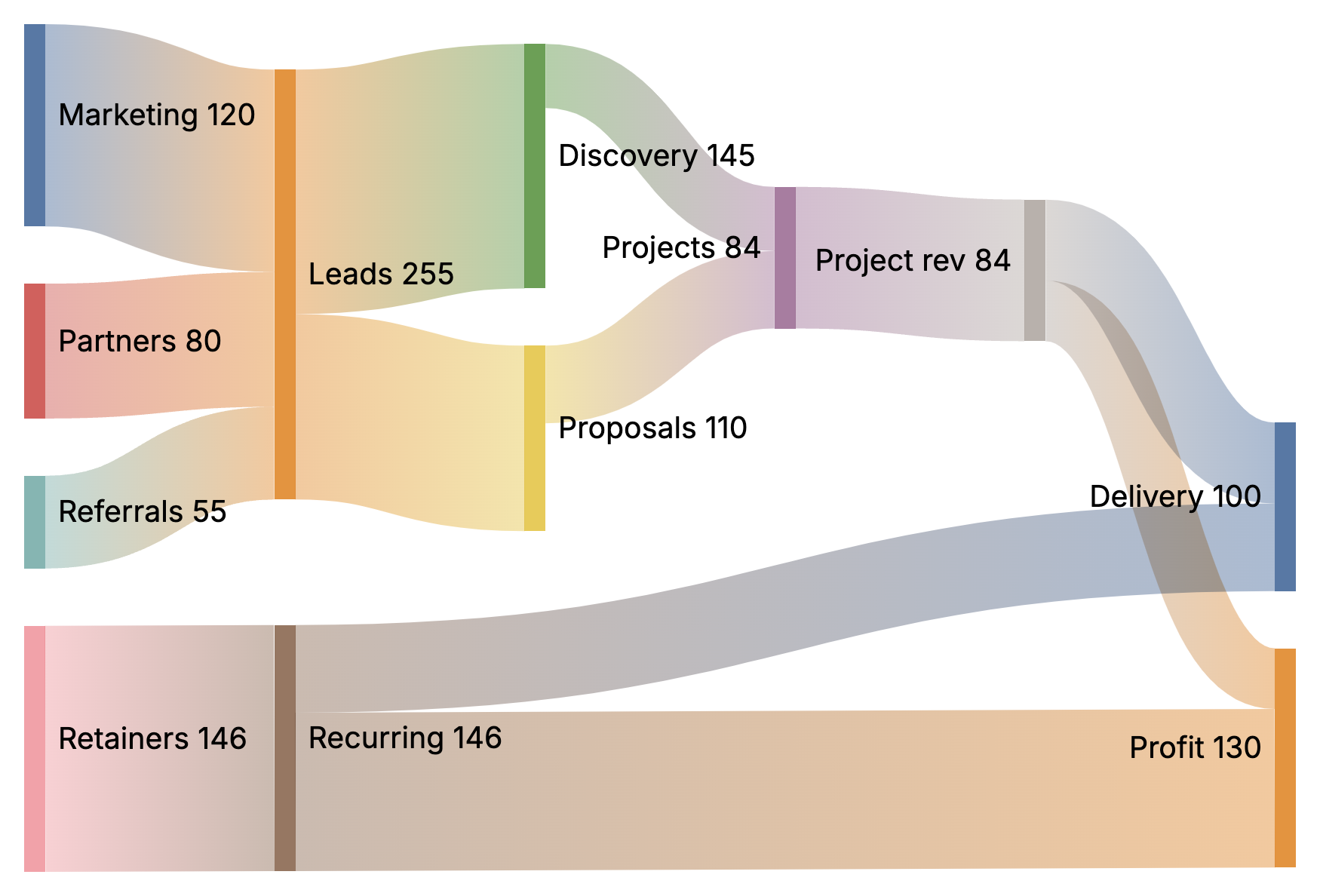
Sankey
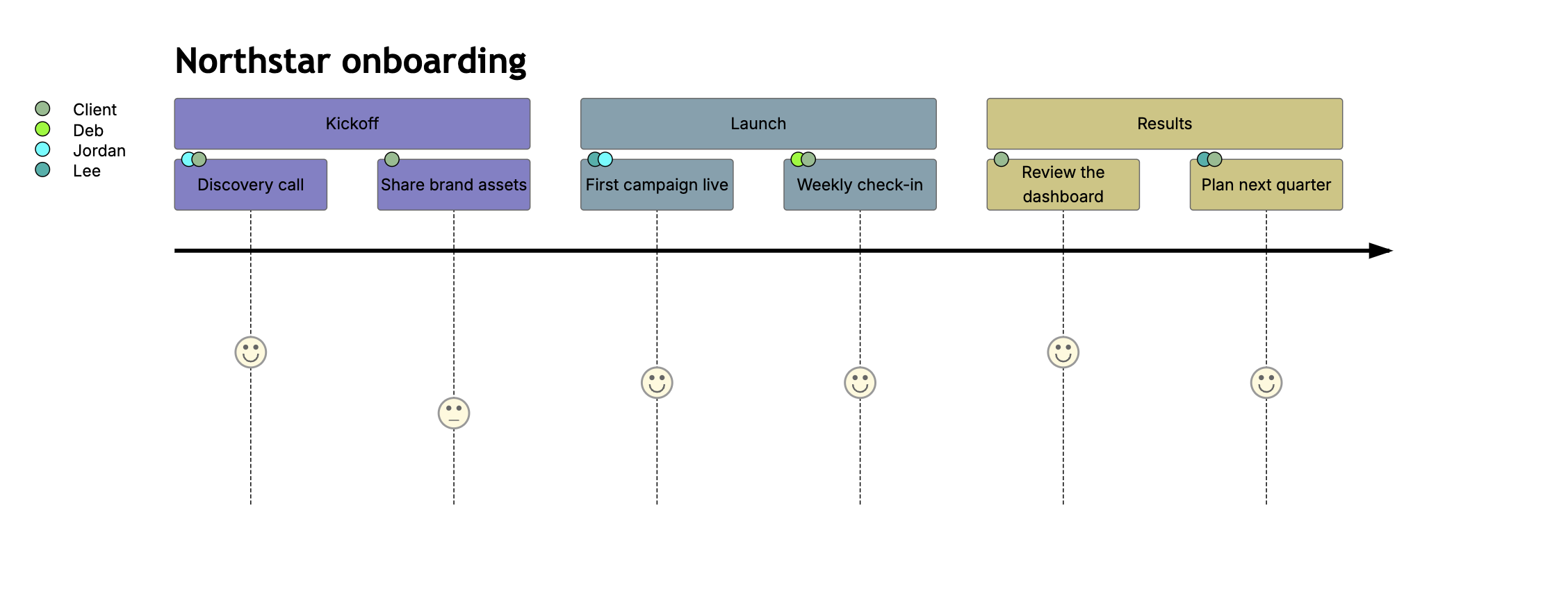
User journey
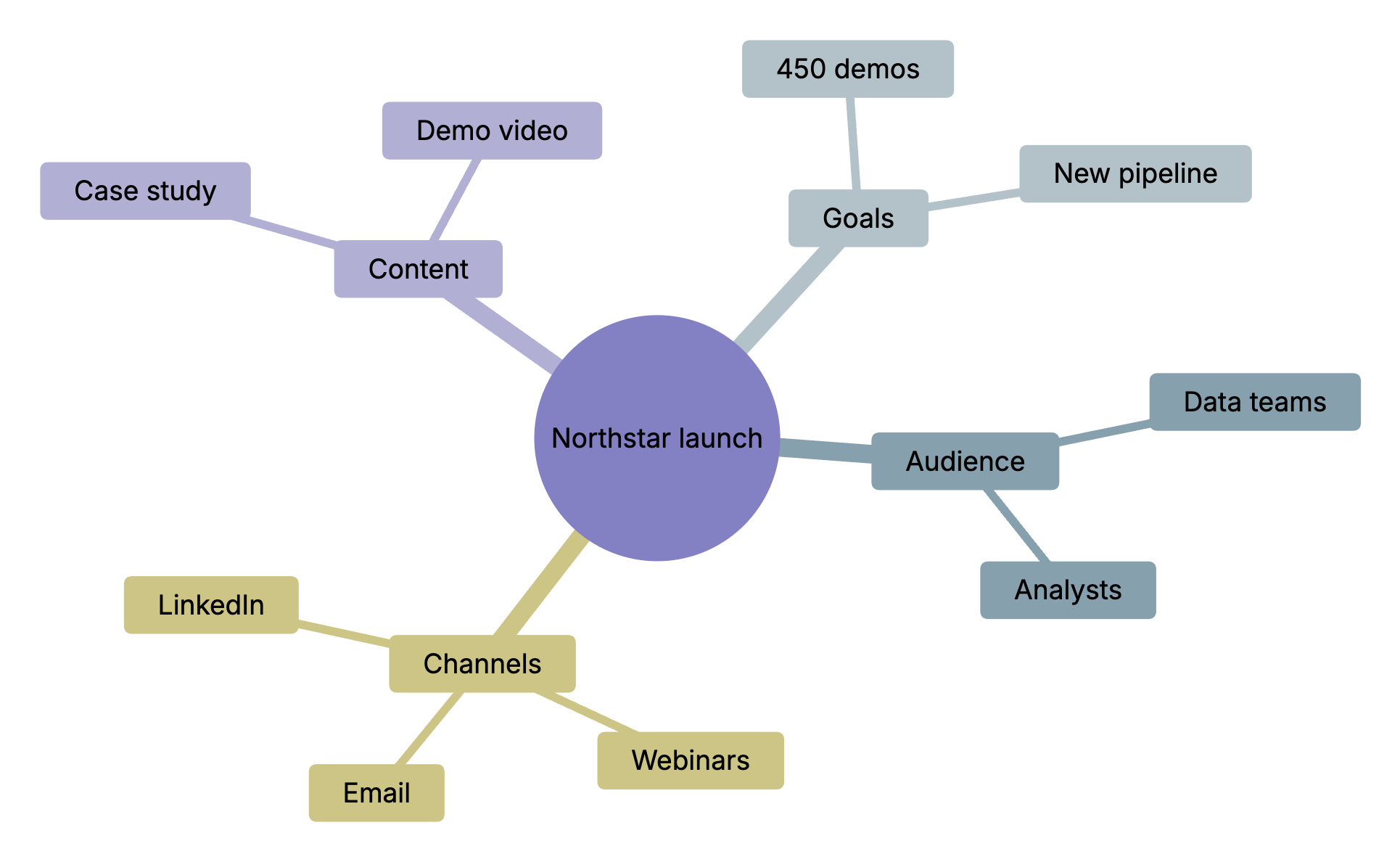
Mind map
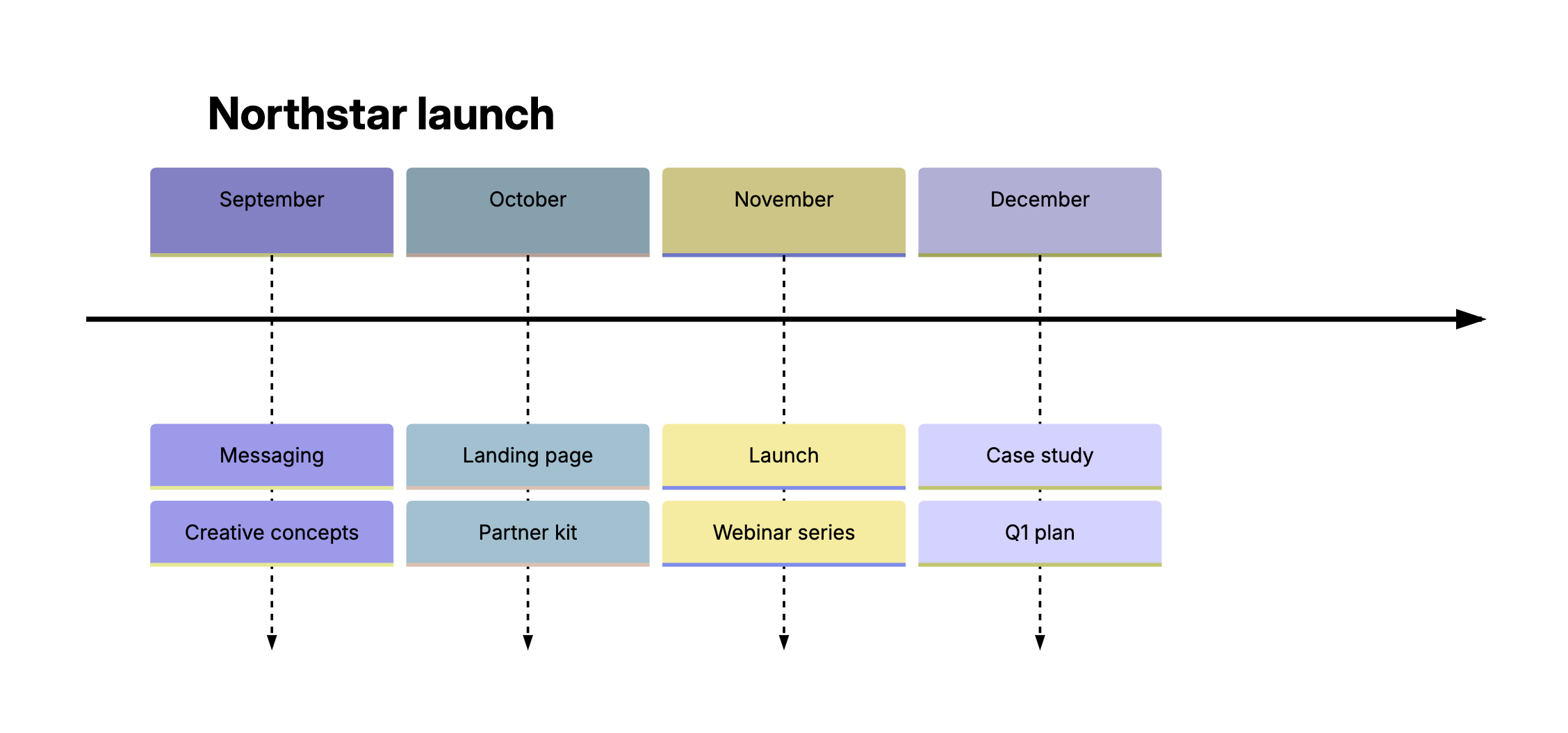
Timeline
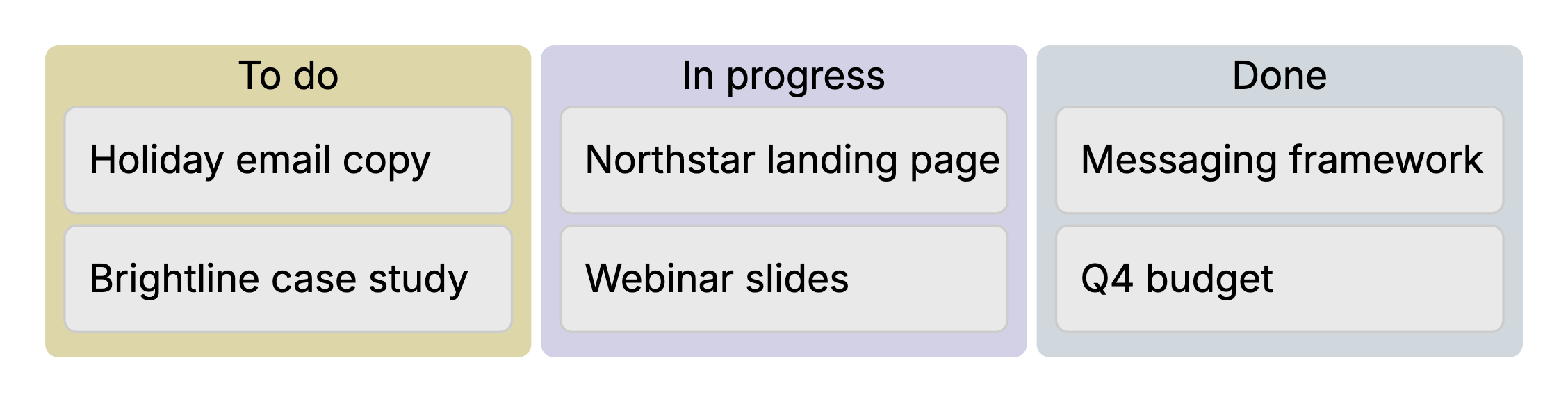
Kanban board

Flowchart
Footnotes
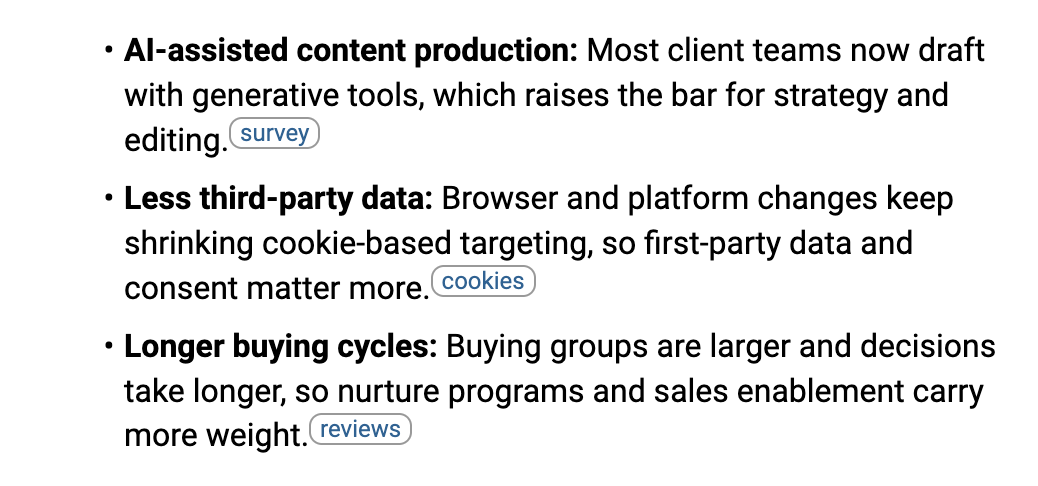
Keep your sources close. Hover over a mark to read its note without losing your place. Footnotes are saved in standard Markdown, so they read correctly in other Markdown tools too.
Math
When the numbers matter, type $$ and write the formula in LaTeX. A live preview shows the result as you type.

Callouts, diagrams, footnotes and math are in TheBrain 15 for Windows, Mac, Linux, the web, iPhone, iPad and Android. Diagrams and footnotes need a brain that saves its notes as standard Markdown: switch it in Settings › Brain › Content Settings › Note Format.